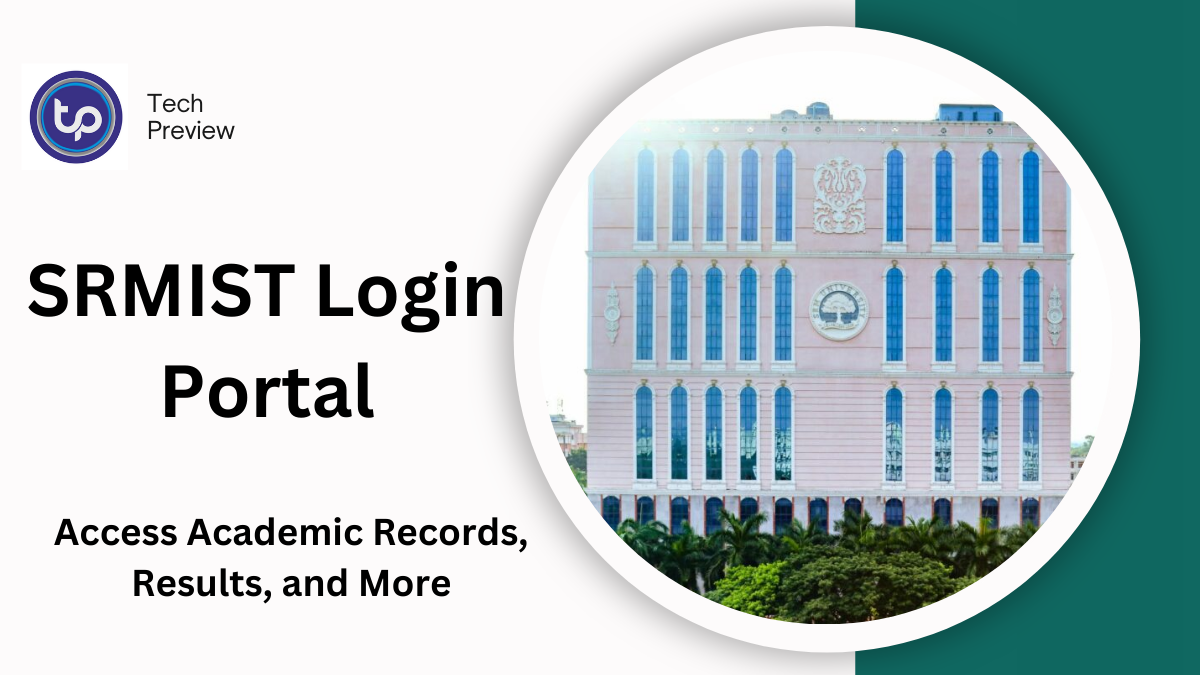
SRM Institute of Science and Technology (SRMIST), a prestigious private university based in Chennai, India, has established itself as a leading institution with campuses spread across the country, including locations in Kattankulathur, Ramapuram, Vadapalani, Ghaziabad, and beyond.
Since its founding in 1985, SRMIST has grown into one of India’s top universities, offering a diverse range of academic programs. With over 52,000 students enrolled, SRMIST is recognized for its quality education and has earned notable rankings, including being placed in the top 21 universities in India according to NIRF 2024.
Additionally, SRMIST excels in fields like engineering and pharmacy, securing top spots in national rankings.
The university provides a student portal that serves as a central hub for accessing academic and financial information. This portal allows students to track their grades, pay fees, check exam schedules, and even apply for hostel accommodations.
In this article, we will guide you through the SRMIST login process for both students and parents, as well as how to reset passwords and navigate the system effectively.
Accessing the SRMIST Student Portal
SRMIST students can log into the official student portal to manage their academic and financial details. The portal requires a NETID and password for authentication. Here’s a simple breakdown of how to log in:
- Visit the official portal: Go to sp.srmist.edu.in.
- Enter your NETID and Password: These credentials are provided by the university upon admission.
- Complete CAPTCHA: Enter the CAPTCHA code as prompted on the screen.
- Click Login: After entering your details and CAPTCHA, click the Login button.
MUST READ: How to Access the HAC BISD Student Portal: A Complete Guide
Upon logging in, students can view their grades, download exam schedules, apply for hostels, and access other academic resources. This centralized access to all essential information helps students stay organized and informed throughout their academic journey.
SRMIST Parent Portal: Access for Parents
SRMIST also provides a dedicated portal for parents, enabling them to stay updated on their child’s academic progress. The parent portal allows parents to track grades, view class schedules, and monitor financial transactions related to their child’s education.
To log into the parent portal, follow these steps:
- Go to the SRMIST parent portal: Navigate to sp.srmist.edu.in.
- Enter your registered details: Input the email address or mobile number registered with SRMIST.
- Enter the CAPTCHA code: Complete the CAPTCHA verification.
- Receive OTP: After clicking Login, an OTP will be sent to the registered mobile number.
- Enter the OTP: Input the OTP in the space provided and click Submit.
Once verified, parents will be able to access important information about their child’s academic performance, ensuring they can stay involved and support their education.
Resetting Your SRMIST Login Password
If you’ve forgotten your SRMIST login password, you can easily reset it by following these steps:
- Visit the login page: Go to sp.srmist.edu.in.
- Click on “Forgot Password”: On the login screen, find and click the “Forgot Password” link.
- Enter your NETID: Provide the NETID that was issued by SRMIST during your admission.
- Follow the instructions: You’ll receive a password reset link or instructions via your registered email or mobile number.
- Create a new password: Choose a new password, confirm it, and save the changes.
- Login with new credentials: Once your password is reset, you can log in using your new password.
This simple process allows students and parents to regain access to the portal in case of forgotten credentials.
Conclusion
The SRMIST student portal is an essential resource for both students and parents, offering easy access to important academic and financial information. By following the login steps outlined in this guide, students can efficiently track their academic performance, manage fee payments, and apply for hostels.
Parents can also stay informed by accessing their child’s grades, class schedules, and financial records through the dedicated parent portal.
Whether you are a student or a parent, understanding the login process will ensure that you can navigate SRMIST’s online services with ease and stay on top of all academic matters.
People May Ask
Can I Join SRMIST Without an Entrance Exam?
Admission to most programs at SRMIST, including BTech and MBA, requires passing an entrance exam. The university conducts the SRMJEEE (SRM Joint Engineering Entrance Exam) for BTech candidates, and SRMJEEM for MBA candidates. Some programs may also accept scores from other entrance exams.
How Can I Check My SRMIST Results?
Students can check their exam results by logging into the SRMIST student portal. After logging in, navigate to the Results section where you can view your latest academic performance.
What Is the Placement Experience Like at SRMIST?
SRMIST has a strong track record of placements, with top companies regularly recruiting students, particularly in fields like engineering, computer science, and business management. The university provides excellent support and resources for students to prepare for the job market, including career counseling, mock interviews, and placement drives.
Click here to learn more.