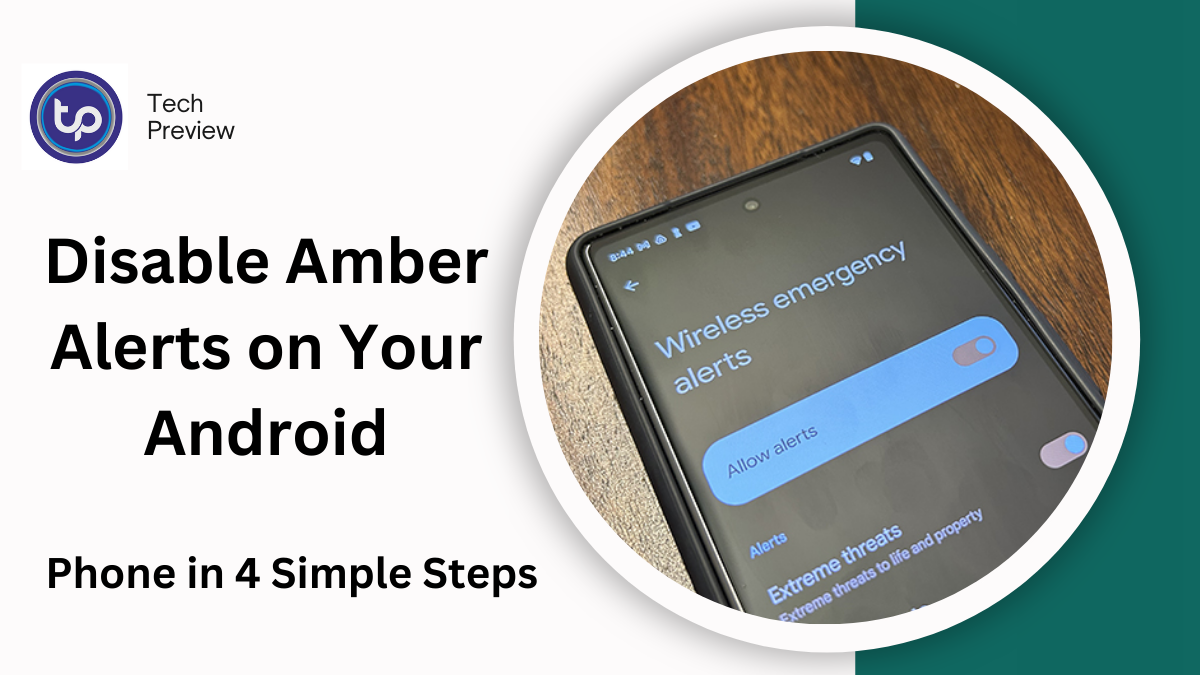
Amber Alerts, issued to inform the public about child abductions, are a powerful tool in locating missing children.
However, many Android users find these alerts disruptive, especially when they receive them in areas where they’re not relevant.
If you’re one of those users, here’s a comprehensive guide on how to disable Amber Alerts on your Android phone, with extra tips on managing emergency notifications.
What Are Amber Alerts and Why Are They Important?
Amber Alerts are public safety notifications used to broadcast critical information about child abductions. They help authorities quickly inform the public, increasing the chances of locating an abducted child.
While these alerts can be life-saving, they may also feel intrusive, especially if you’re receiving them in an area where you’re not at risk.
Key Features of Amber Alerts:
- Timely Alerts: Sent immediately after an abduction is confirmed.
- Wide Reach: Alerts are sent to millions of people in the affected region.
- Life-saving Potential: Increases the likelihood of recovery when the public is involved.
MUST READ: How to Send Satellite Messages on iPhone: Stay Connected Even Without Service
How to Disable Amber Alerts on Android: Step-by-Step Guide
Disabling Amber Alerts on Android is relatively simple. Here’s how you can do it:
Step 1: Open Settings
Go to your phone’s Settings app by either swiping down from the top and tapping the gear icon or finding the Settings icon in your app drawer.
Step 2: Find Notifications Settings
Scroll down and select Notifications. In some phones, it may be listed as Sound & Notification.
Step 3: Emergency Alerts Settings
Next, look for Emergency Alerts or Wireless Emergency Alerts (WEA). Tap on it to access the settings.
Step 4: Disable Amber Alerts
Inside the Emergency Alerts menu, you’ll see several categories of alerts:
- Amber Alerts
- Severe Alerts
- Emergency Alerts
- Public Safety Alerts
Simply toggle off Amber Alerts to stop receiving them. You can also disable other categories if you prefer to reduce all emergency notifications.
Common Android Devices and Their Amber Alert Settings
| Phone Model | Steps to Disable Amber Alerts |
| Samsung | 1. Open Settings > Notifications > Advanced Settings. 2. Select Emergency Alerts and toggle off Amber Alerts. |
| Google Pixel | 1. Open Settings > Notifications > Advanced. 2. Select Emergency Alerts and disable Amber Alerts. |
| OnePlus | 1. Open Settings > Notifications & Status Bar > Emergency Alerts. 2. Turn off Amber Alerts. |
| LG | 1. Open Settings > Sound & Notifications > Emergency Alerts. 2. Disable Amber Alerts. |
Customizing Emergency Alerts: More Options
Although turning off Amber Alerts is an option, you can also customize the way emergency notifications appear, allowing you to manage how and when you’re disturbed.
1. Tuning the Alert Sound
If you want to keep Amber Alerts but reduce their intensity, you can adjust the sound or vibration settings. This allows you to receive alerts without the jarring tone.
How to Adjust Sound for Alerts:
- Open Settings > Sound
- Adjust the Notification Sound for emergency alerts or set it to something less intrusive.
2. Silent Alerts with Do Not Disturb
If you prefer to receive Amber Alerts but don’t want your phone ringing or vibrating in the middle of the night, Do Not Disturb mode is a great option. You can allow only emergency alerts to come through, ensuring you’re not disturbed by other notifications.
How to Enable Do Not Disturb for Emergency Alerts:
- Go to Settings > Do Not Disturb.
- Toggle on Allow Exceptions and select Emergency Alerts.
3. Use the “Priority Only” Mode
If you’re in a location where Amber Alerts aren’t relevant, use the Priority Only mode to silence everything except critical alerts.
Why You Should Think Twice Before Disabling Amber Alerts
While it’s understandable to want a quieter phone, Amber Alerts serve an important public safety function. Here are some reasons you might want to reconsider disabling them:
- Quick Response Time: Amber Alerts notify the public instantly after a child abduction has occurred.
- Increased Awareness: The more people who are aware of an abduction, the greater the chance of identifying a suspect or vehicle.
- Potential to Save Lives: Studies have shown that Amber Alerts can significantly increase the chances of finding abducted children.
Benefits of Keeping Amber Alerts On
| Reason | Explanation |
| Urgency | Amber Alerts provide real-time information that could help recover a missing child. |
| Public Participation | A broader audience leads to more eyes on the lookout for an abducted child. |
| Lifesaving Potential | Research indicates that public alerts help law enforcement solve cases faster. |
What Happens When You Disable Amber Alerts?
Disabling Amber Alerts means you won’t receive notifications related to child abductions. This can be a good option if you’re not in the affected area or if you find the alerts too disruptive.
However, you might miss out on crucial information if you’re in a region where an alert is issued, and every second counts.
If you are traveling frequently, consider adjusting your settings based on your location rather than completely disabling Amber Alerts.
Alternative Solutions: How to Stay Informed Without the Noise
If Amber Alerts are too disruptive but you don’t want to lose touch with critical updates, here are some alternatives:
1. Use News Apps for Local Alerts
Many news and weather apps offer local emergency alerts. If you prefer to receive updates in a less jarring manner, install a news app that provides alerts tailored to your location.
2. Download a Child Safety App
Some third-party apps, such as KidGuard or Amber Alert App, allow you to track local emergencies in a less intrusive format. These apps allow you to receive Amber Alerts without being disturbed by other emergency notifications.
3. Adjust Alert Settings for Specific Areas
Instead of turning off Amber Alerts globally, consider adjusting them by location. Some Android phones offer location-based settings for emergency alerts, allowing you to receive them only in areas where they are relevant.
Conclusion
Turning off Amber Alerts on your Android phone is easy, but it’s essential to carefully consider the consequences. Amber Alerts play a significant role in public safety, and disabling them means potentially missing life-saving notifications. However, if you decide to disable them, Android offers several ways to manage other emergency notifications, from adjusting sounds to using Do Not Disturb mode. By finding the right balance, you can enjoy a quieter phone while still staying informed about the world around you.
People May Ask
Q1: Can I turn off Amber Alerts without affecting other emergency alerts?
Yes, you can disable Amber Alerts independently while keeping other alerts like Severe and Emergency Alerts active.
Q2: Will I get Amber Alerts for regions I’m not in?
No, Amber Alerts are usually issued only for specific areas. However, if you’re travelling in a region where an alert is active, you’ll receive it unless you’ve turned them off.
Q3: Are there any risks in turning off Amber Alerts?
Turning off Amber Alerts means you won’t be notified about abductions, which could impact efforts to locate missing children. Consider using alternative ways to stay informed.
Q4: Can I re-enable Amber Alerts later?
Yes, you can always re-enable Amber Alerts by following the same steps in your phone’s settings.
Click here to learn more.